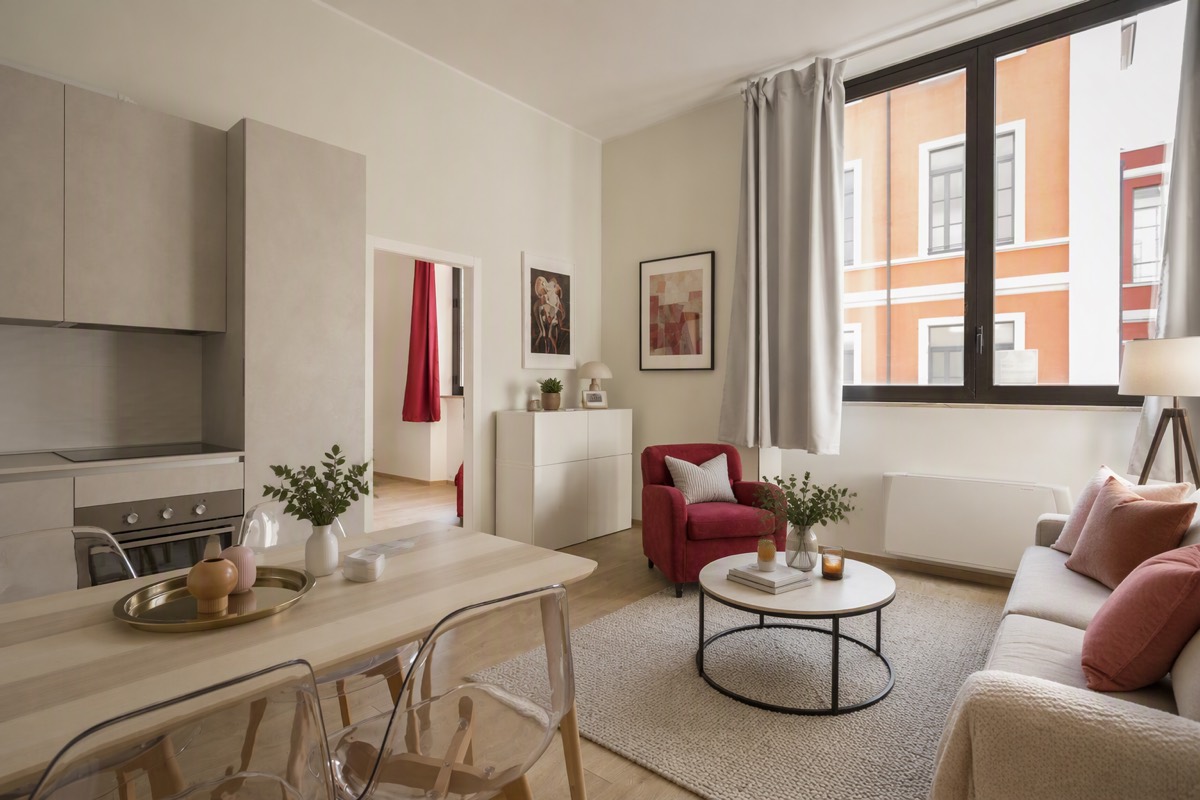
AI Virtual Staging From Your Room Photo
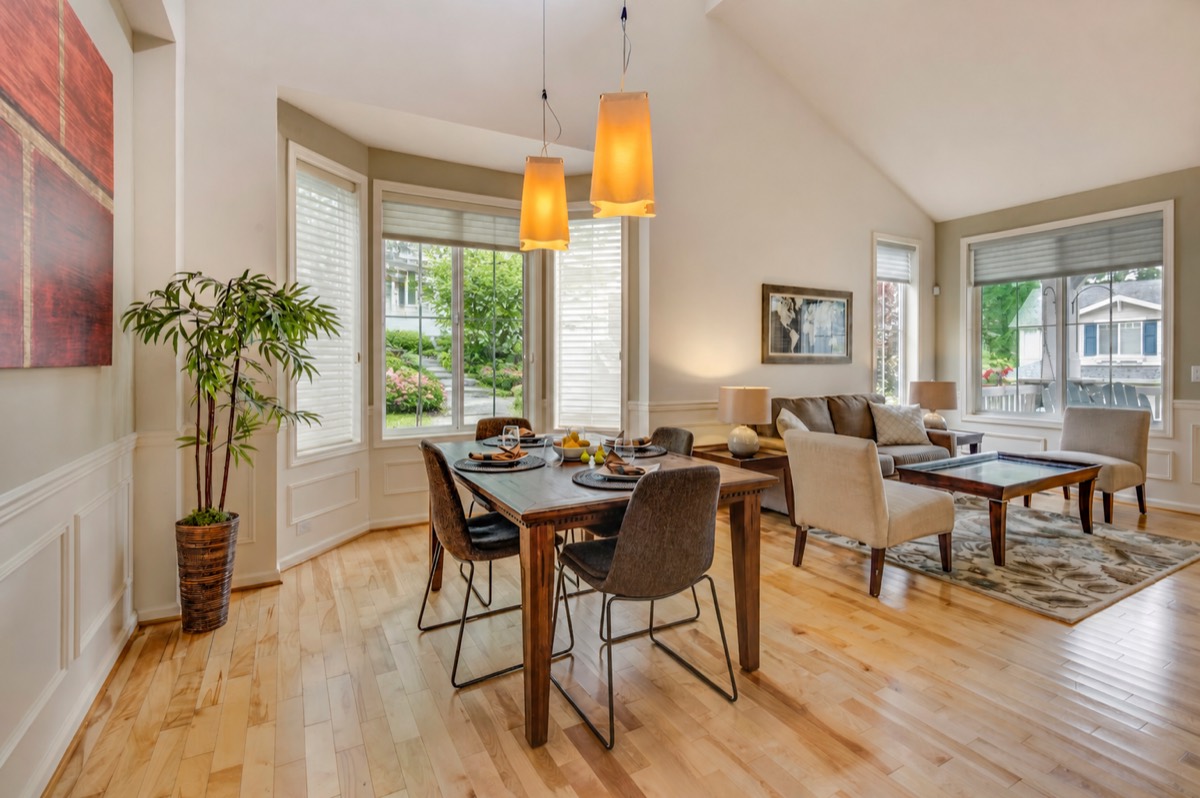
Virtual staging closes the imagination gap — a buyer sees a home, not a floor plan.
From photo to decision
Start with the decision in front of you. Each workflow begins with your actual photo, keeps its own inputs and review steps, and opens directly in Studio.
Furnish an empty room, rethink a furnished one, or clear the view before making the next decision.
Virtual staging closes the imagination gap — a buyer sees a home, not a floor plan.
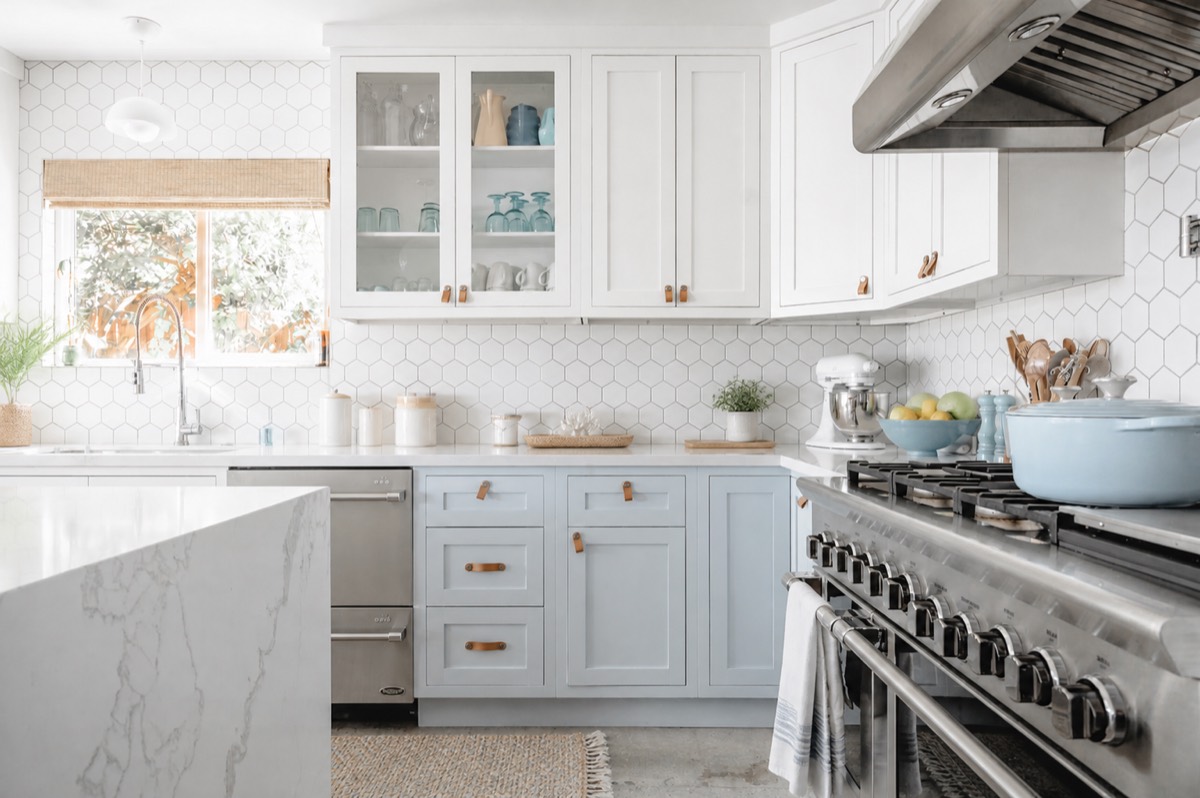
Start with what is already there, name the pieces worth keeping, and make the next design decision visually.
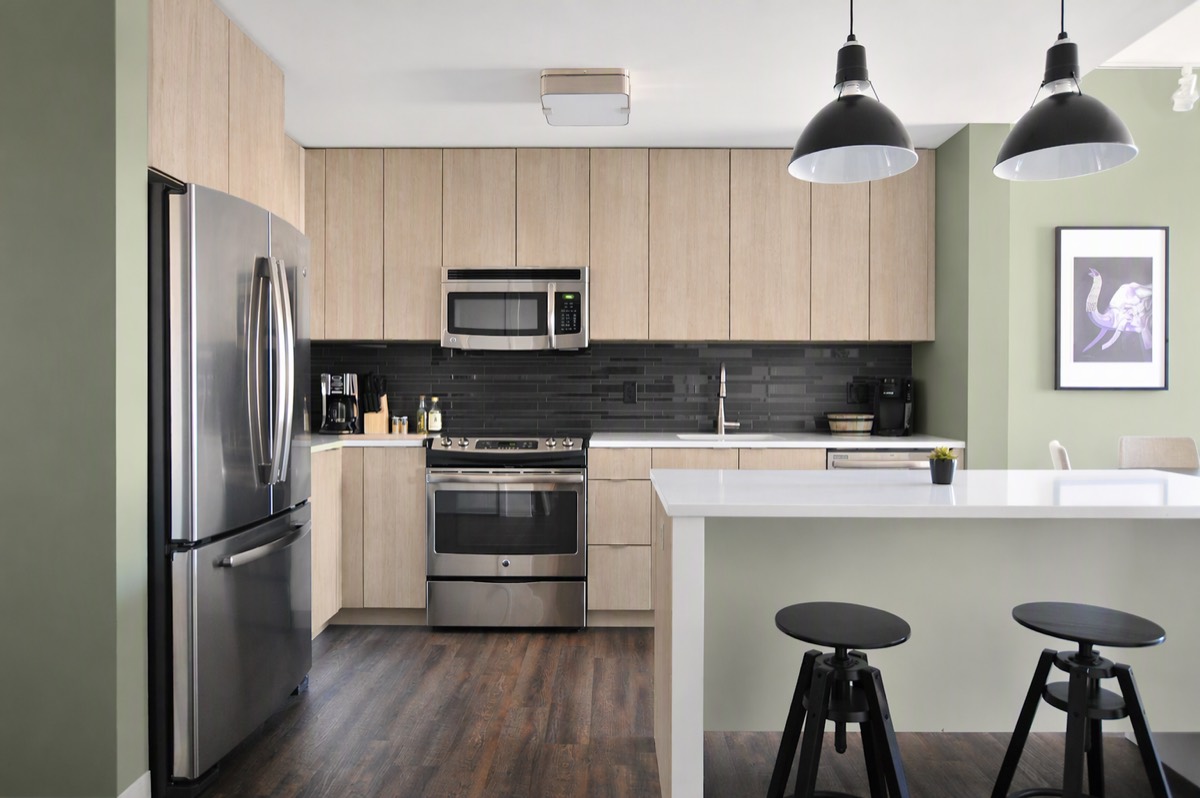
A photoreal preview turns "I think I like it" into "I know it works" — before the first invoice.
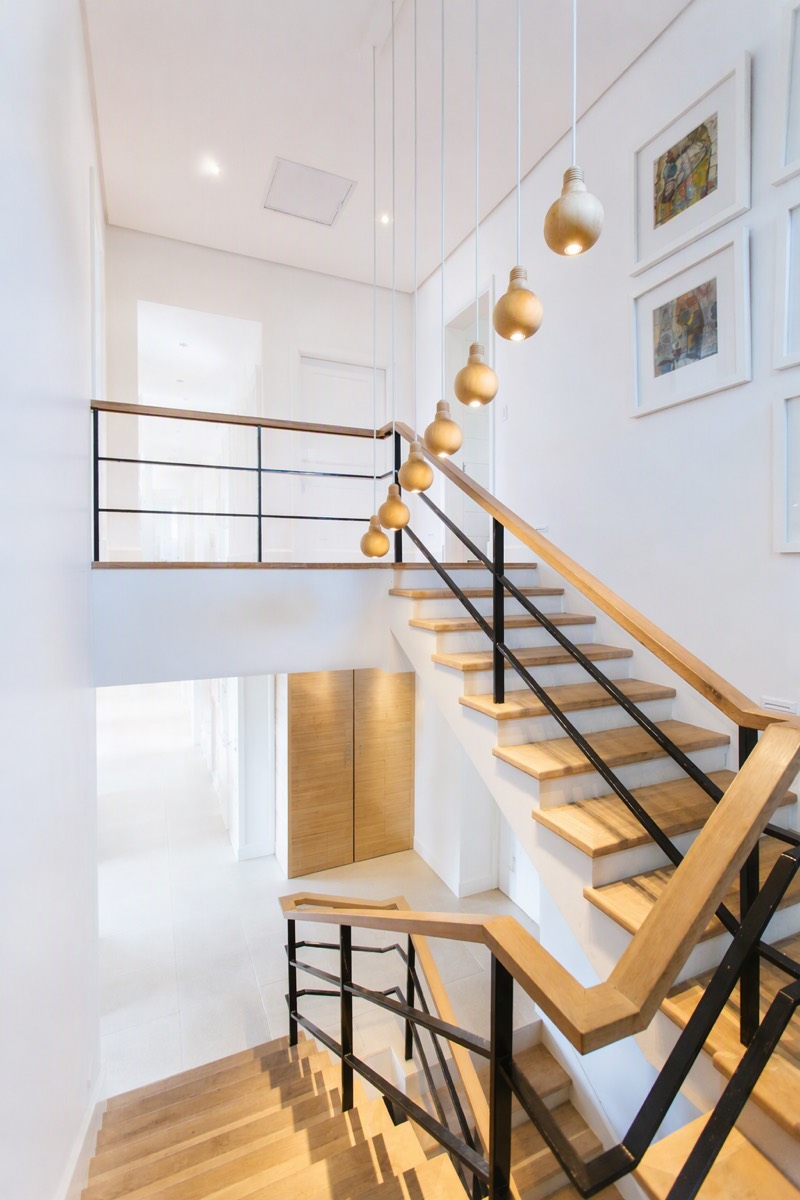
A digital declutter lets you inspect the room and its next direction without moving a single physical box.
Preview planting, paths, entry details, and lighting on a photo of the actual property.
Preview ideas on your real house — plants, paths, paint, light — before any of it costs money.
Open any current Studio workflow directly. You can adjust its inputs and review the exact cost before anything is generated.
Whole-room directions, purposeful edits, and surface-level changes.
Planting, paths, exterior structures, and a complete curb-appeal direction.
Prepare clearer, more useful listing and marketing images.