Prompt notes / Better inputs

Tell the room what to keep. Then what to change.

A useful prompt is a short design brief: visible constraints, a specific direction, and one decision to inspect in the next result.

A four-part room prompt

  1. 01

    Anchor the photo

    Name the room and the visible features that establish its layout, light, and character.

  2. 02

    Write the keep list

    Identify walls, windows, flooring, furniture, or camera angle that should remain unchanged.

  3. 03

    Make a specific change

    Choose the style, palette, material, furniture, or clutter category to edit.

  4. 04

    Review and refine

    Inspect retained details and generated surfaces, then adjust one clear decision per round.

Real prompts, real transformations

These are the prompts attached to existing Vizahome examples. Notice how each names concrete objects, finishes, and constraints.

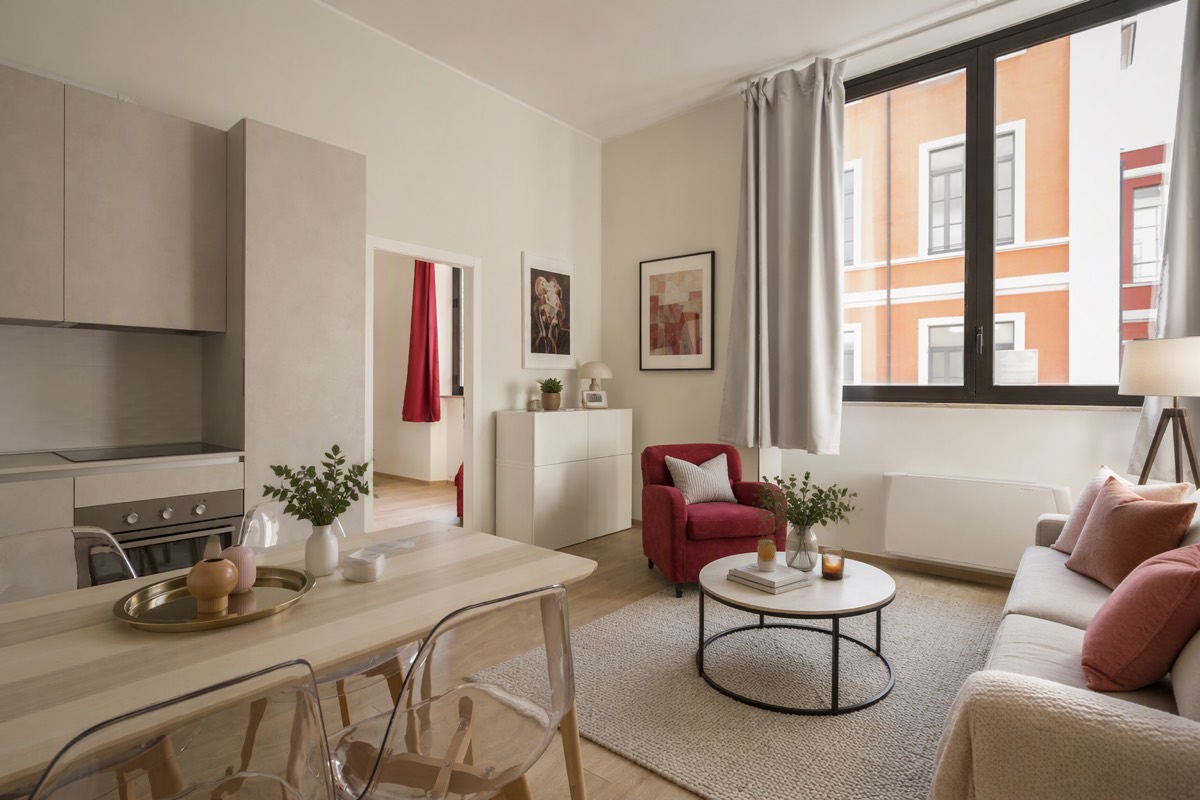
Modern Living Room — Empty to Staged

Modern Living Room — Empty to Staged

“Stage this empty living room for a real estate listing: add a warm modern sofa, coffee table, rug, floor lamp and framed art. Photorealistic. Keep walls, windows, doors, ceiling lines and camera angle exactly unchanged.”
Inspect the transformation
Contemporary Living Room — Decluttered

Contemporary Living Room — Decluttered

“Remove all clutter, small objects and personal items from this room. Make it look clean, open and tidy. Photorealistic. Keep walls, windows, doors, ceiling lines and camera angle exactly unchanged.”
Inspect the transformation
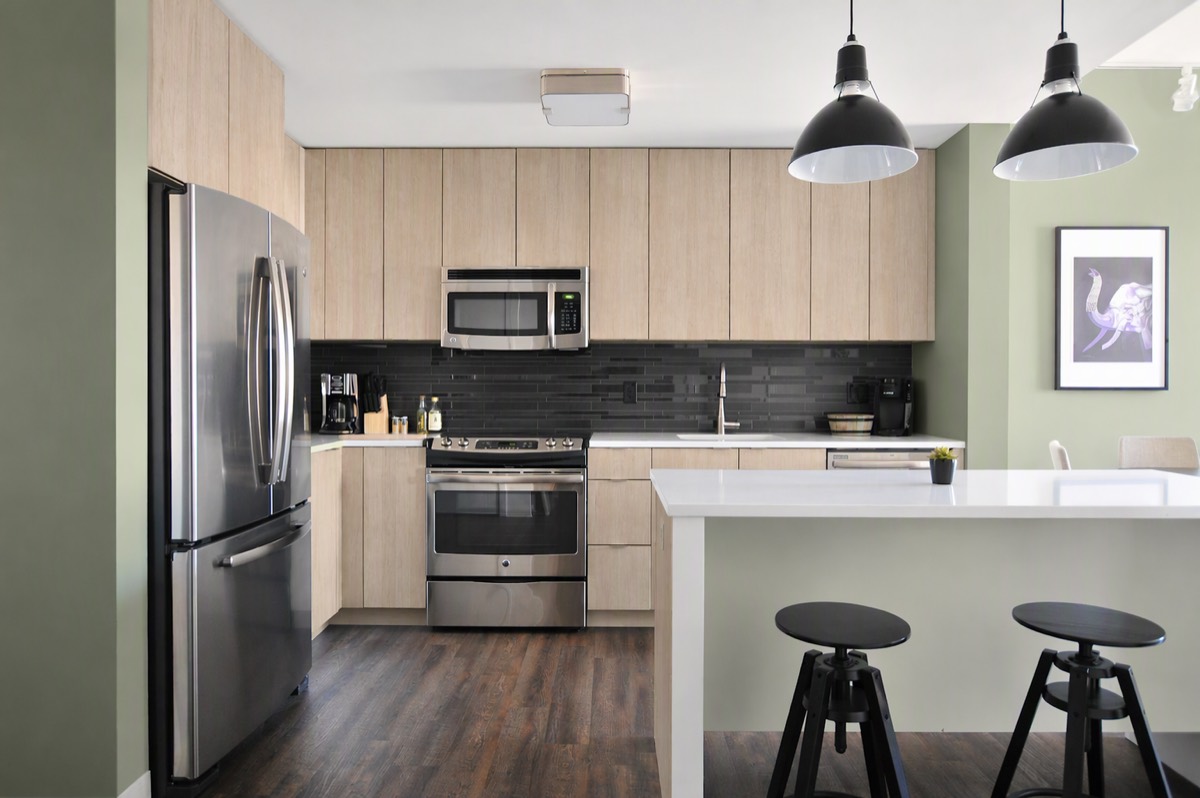
Farmhouse Kitchen — Light Wood & Sage

Farmhouse Kitchen — Light Wood & Sage

“Restyle this kitchen with light wood cabinets and soft sage-green walls. Keep the exact layout and appliances. Photorealistic. Keep walls, windows, doors, ceiling lines and camera angle exactly unchanged.”
Inspect the transformation
Traditional Front Yard — Curb Appeal Refresh

Traditional Front Yard — Curb Appeal Refresh

“Refresh this front yard with low-maintenance plants, flowers and a clean stone path. Keep the house unchanged. Photorealistic. Keep walls, windows, doors, ceiling lines and camera angle exactly unchanged.”
Inspect the transformation

Prompt notes by project

Get better stagings with specific prompts

Do

  • Start with what to keep: "keep the layout, windows, and flooring consistent."
  • Name the style and mood: "warm modern, cozy, not flashy."
  • Anchor key furniture: "sofa facing the fireplace, rug under the coffee table."
  • Say what to avoid: "no bold patterns, no dark walls."

Avoid

  • Vague prompts like "make it nice" — the AI fills gaps with guesses.
  • Stacking five styles in one request.
  • Asking to move walls — this workflow is for furnishing, not architectural changes.

Prompts that produce accurate kitchen previews

Do

  • Name the exact surfaces: "cabinets in white oak, matte black hardware."
  • Pin what stays: "keep the island, appliances, and layout unchanged."
  • Describe light and mood: "brighter, airy, warm undertones."
  • Change one thing per round when comparing finishes.

Avoid

  • "Modernize it" without saying how — too many degrees of freedom.
  • Asking for layout changes — the visualizer preserves your floor plan.
  • Judging from a phone thumbnail — compare at full size.

Prompts for realistic outdoor results

Do

  • Name plants by type or vibe: "ornamental grasses and lavender," not just "nice plants."
  • Anchor hardscape: "stone path from the gate to the porch."
  • State the maintenance level: "drought-tolerant, low upkeep."
  • Keep the house fixed: "do not change the facade or roofline."

Avoid

  • Climate-blind requests — say your region or pick hardy styles.
  • Cramming front yard, backyard, and paint into one prompt.
  • Expecting architectural planning — the preview is a visualization, not a measured site plan.

Prompts for a cleaner digital declutter

Do

  • Name categories precisely: "remove papers, cables, toys, and small countertop appliances."
  • Set the boundary: "keep the sofa, dining table, windows, and wall color unchanged."
  • Separate personal items from decor: "remove family photos and paperwork; keep the neutral vases."
  • Work in rounds when different parts of the room need different treatment.

Avoid

  • "Make it empty" when you only want surfaces cleared.
  • Removing load-bearing features or asking for a different architecture.
  • Using the result as proof of the exact condition hidden behind an object.

Prompts that respect what already works

Do

  • Lead with the keep list: "keep the oak floor, sofa, windows, and camera angle."
  • Name the change: "replace the rug and coffee table with lighter, warmer pieces."
  • Define the palette: "warm white, walnut, muted olive, and natural linen."
  • Compare one design decision per round when you want a clear before-and-after.

Avoid

  • "Make it modern" without identifying the finishes or furniture to change.
  • Combining several contradictory styles in one prompt.
  • Treating a visualization as a dimensioned furniture or construction plan.
Try a prompt on your room