Homeowners
Replacing everything is expensive, and inspiration photos rarely share your room's layout or existing pieces.
Room study / redesign furnished rooms
Upload a furnished room, describe what should stay and what should change, and compare design directions on your actual space instead of a generic inspiration photo.
3 free designs. Same AI as paid. No card required.
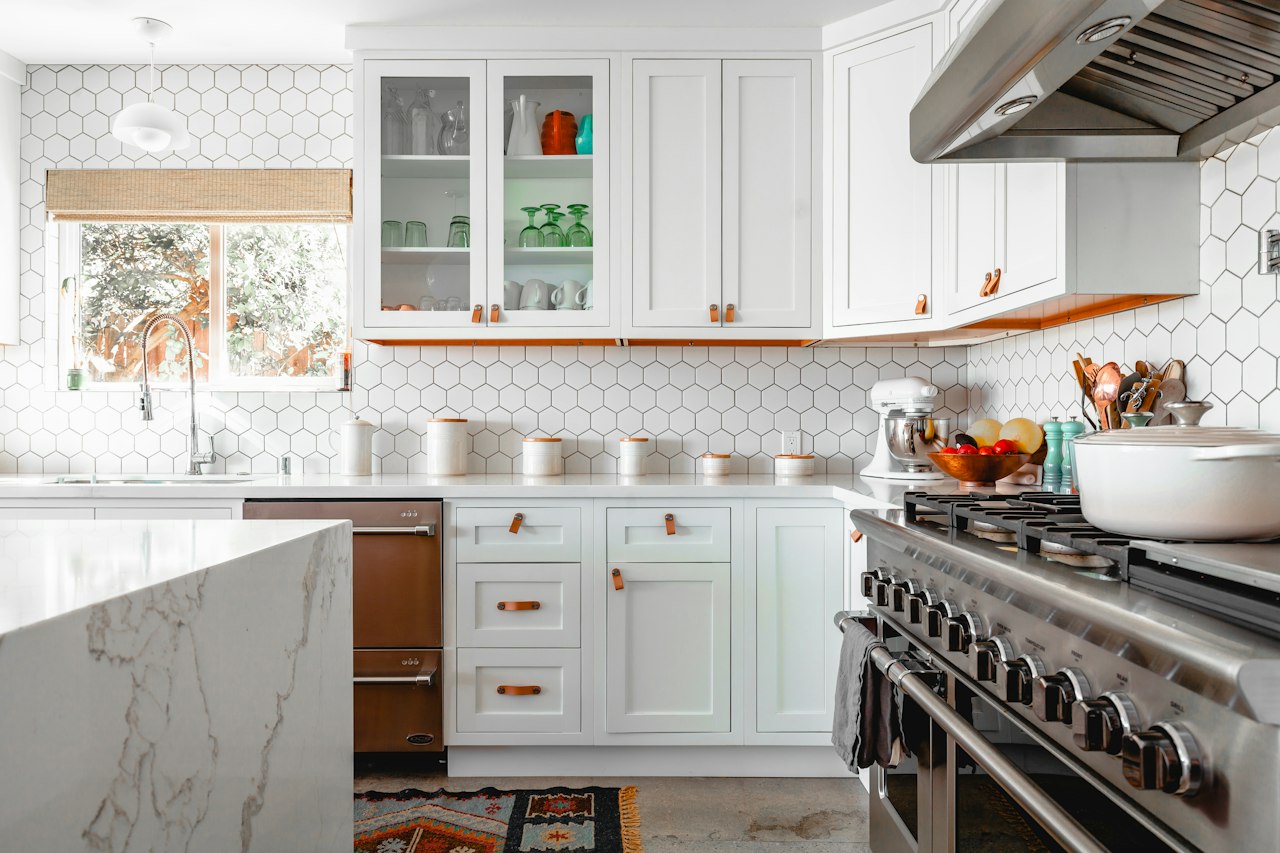
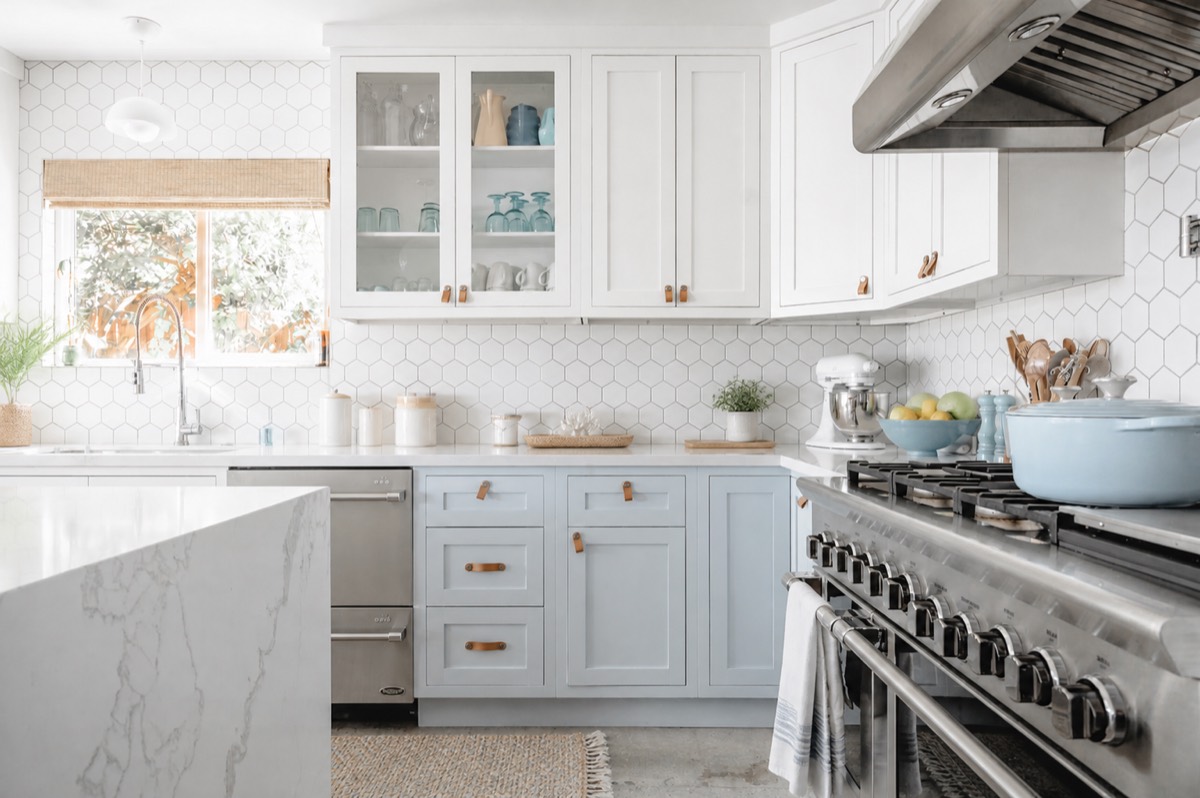
Before / after — drag to inspect
A beautiful reference room cannot answer how the same choices will read in your light and proportions.
Replacing everything is expensive, and inspiration photos rarely share your room's layout or existing pieces.
You need furniture, textile, and decor directions rather than a structural renovation.
Early concepts are easier to discuss when they begin with the client's actual room.
Start with what is already there, name the pieces worth keeping, and make the next design decision visually.
From upload to download — four steps, no learning curve.
Choose a clear photo that shows the furniture, finishes, and architectural features in scope.
Name the sofa, flooring, windows, layout, or other elements that should remain.
Specify a style, palette, materials, and the furniture or decor you want to change.
Review the generated details, adjust one decision at a time, and keep the directions worth discussing.
Prompt notes
Existing Vizahome style and room transformations — compare each generated direction with its source photo.
Test a new palette around furniture you want to keep
Compare a refresh with a fuller redesign
Share a concrete visual direction with your household
Your source image and instructions shape a new visualization; they do not create a measured design plan.
The source photo supplies visible furniture, room proportions, architectural lines, and daylight
Your keep list and style direction tell the model which changes to prioritize
The generated image is a visual hypothesis, so furniture scale and retained details still need review
AI may alter an item you intended to keep or invent a detail. Refine the prompt and verify real-world dimensions and products independently.
Notes / Answers
Last doubts, removed fast.
No. Start with the furnished room and specify both the pieces to keep and the pieces or finishes you want to change.
Yes, put those constraints in the prompt. The model aims to follow them, but you should inspect the result because AI can still change retained details.
You can use a reference to explore its palette, materials, and mood on your room. Treat the result as a direction, not an exact product match.
No. It produces AI visualizations. Confirm dimensions, clearances, structural feasibility, and construction decisions with qualified professionals.
Start from the same source photo and keep list, then change one style direction at a time so the comparison stays meaningful.
More ways to see it before you spend.
3 free designs. Same AI as paid. No card required.