Homeowners
A lived-in room can make it hard to judge the furniture, light, and space underneath the clutter.
Room study / declutter
Upload a furnished or cluttered room photo and ask Vizahome to remove distractions digitally. Compare the cleared view before you stage, restyle, or share it.
3 free designs. Same AI as paid. No card required.
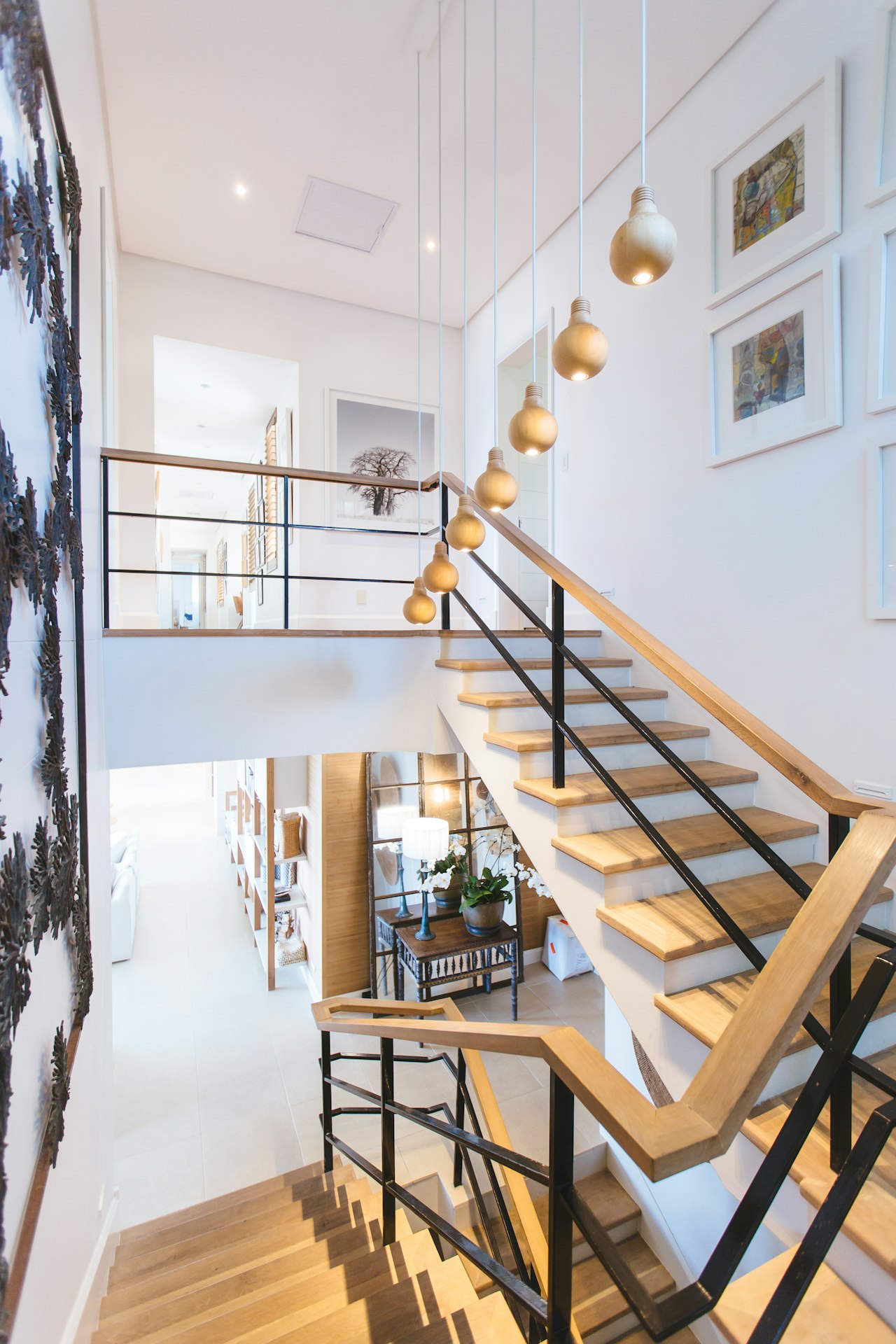
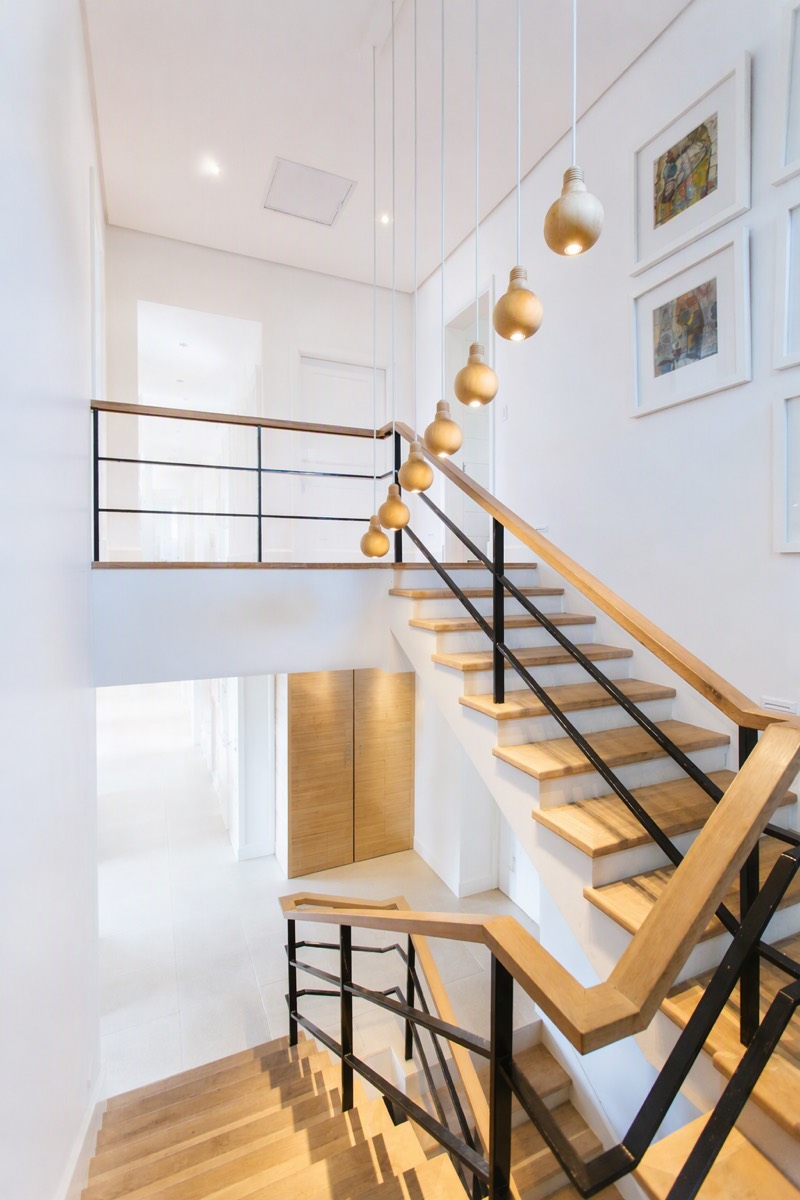
Before / after — drag to inspect
It is easier to judge a room when everyday objects are not making the decisions for you.
A lived-in room can make it hard to judge the furniture, light, and space underneath the clutter.
Personal items and crowded surfaces distract from the room in listing and planning photos.
A cleaner visual starting point makes furniture and finish directions easier to compare.
A digital declutter lets you inspect the room and its next direction without moving a single physical box.
From upload to download — four steps, no learning curve.
Use a clear photo with the areas you want to edit visible in frame.
Name countertop clutter, cables, small decor, personal items, or furniture to remove.
Check walls, floors, windows, and the areas around removed objects before using the result.
Ask for another cleanup pass, or use the cleared view as the start of a new design direction.
Prompt notes
Existing Vizahome room edits — compare the original photo with the generated result.
See the room beneath the everyday mess
Decide which furniture deserves to stay
Prepare a cleaner starting image for restyling
The edit starts with the visible information in your photograph and your written constraints.
Your prompt identifies which visible objects or categories should be removed
The original photo supplies the room's visible architecture, perspective, and lighting
New pixels are generated where needed, so repaired surfaces and retained details need your review
AI can leave artifacts or alter nearby details. Inspect the result and refine it rather than assuming every hidden surface was reconstructed accurately.
Notes / Answers
Last doubts, removed fast.
No. It creates an edited visualization of your photo. You still decide what to remove, store, or rearrange in the physical space.
Yes — name the furniture to remove and explicitly ask to keep walls, windows, doors, flooring, and camera angle unchanged. Review the output for unintended changes.
Yes, identify those items in your prompt. Check the completed image carefully before sharing it to ensure the intended personal details were removed.
No. Areas hidden behind removed objects are generated estimates, not measured records of the real surface. Inspect those areas before relying on the image.
Yes. Use the cleared image as a visual starting point, then describe the furniture or style direction you want to explore.
3 free designs. Same AI as paid. No card required.