Homeowners
Cabinet samples and paint swatches can't show you the whole room.
Room study / kitchen remodel visualizer
Upload one photo of your current kitchen. Preview cabinet colors, countertops, backsplashes, and style changes with the goal of preserving your layout. Review each generated result.
3 free designs. Same AI as paid. No card required.
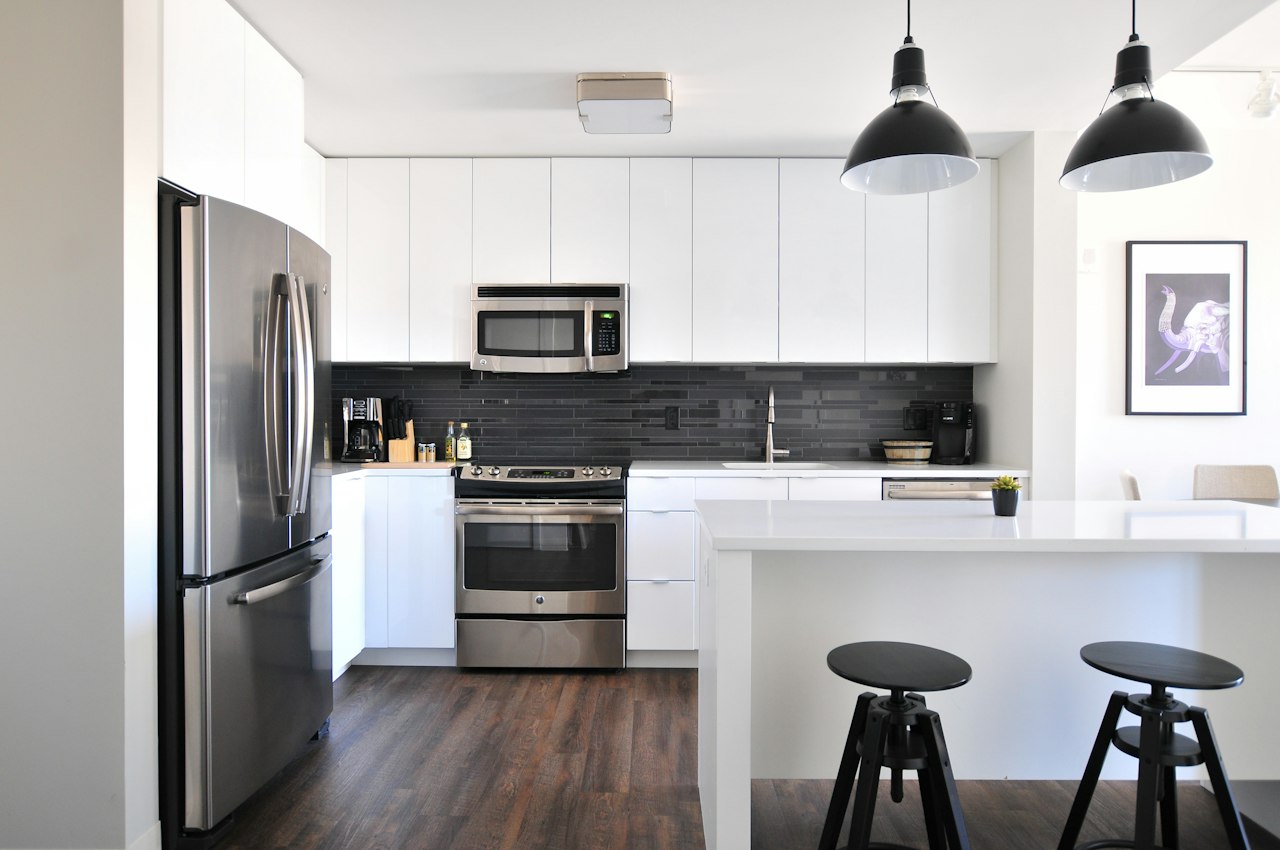
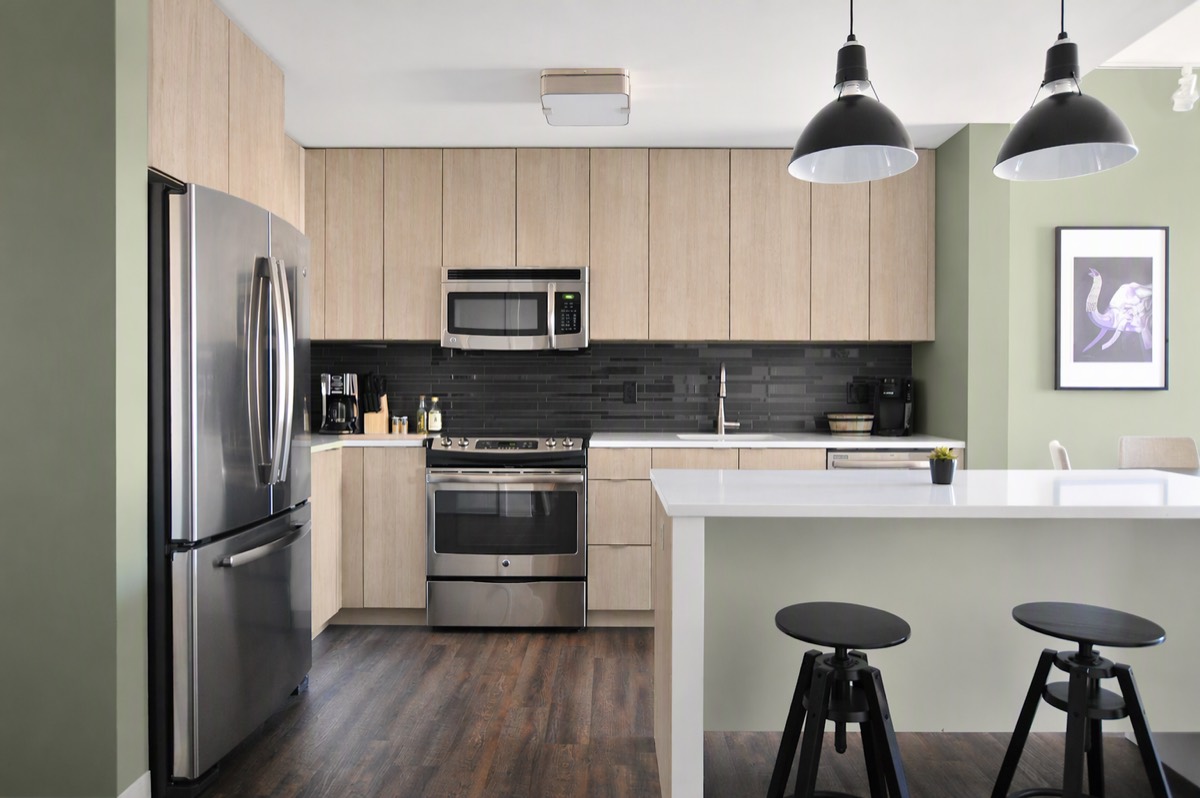
Before / after — drag to inspect
A kitchen remodel involves consequential choices. Compare visual directions before committing to finishes.
Cabinet samples and paint swatches can't show you the whole room.
One wrong finish choice and you live with it — or pay twice.
Clients who can't picture the result stall, change orders pile up.
A photoreal preview turns "I think I like it" into "I know it works" — before the first invoice.
From upload to download — four steps, no learning curve.
Any angle, any condition — declutter clears countertops first.
"Light oak cabinets, brass pulls, keep the layout."
Two or three finishes side by side on your actual kitchen.
Bring the render to your contractor or cabinet supplier.
Prompt notes
Cabinet colors, surface restyles, and full style changes — on real kitchens.
Test multiple cabinet colors from one photo
Show your family the proposed direction
Compare options before committing your budget
How your photo informs a visual direction rather than a measured plan.
Layout cues — the model uses visible cabinet runs, islands, and appliance positions as constraints
Material cues — wood grain, stone veining, and sheen are generated approximations to review
Light cues — under-cabinet shadows and window direction inform the preview
Occasionally a small detail shifts. Refine the prompt, regenerate, and inspect retained features before relying on the preview.
Notes / Answers
Last doubts, removed fast.
Yes — surface-level restyles are the most common use. Ask for one change per round for clean comparisons.
The visualizer aims to preserve your floor plan for finish and style decisions, not architectural redesign. Review the result for unintended changes.
That's the most common workflow. Downloads are watermark-free at the same resolution as free previews while your subscription is active.
Both are surface restyles — name the material ("quartz waterfall edge," "zellige tile") and it renders in place.
No — run declutter first, or just describe the target; the engine works from structure, not tidiness.
More ways to see it before you spend.
3 free designs. Same AI as paid. No card required.