Essential
Light refresh, quick wins
AI room design / Virtual staging
AI interior design and virtual staging from one photo. Upload your space, choose a direction, and compare the result before you commit.
No credit card required. Full AI quality, watermarked previews.
Design Canvas
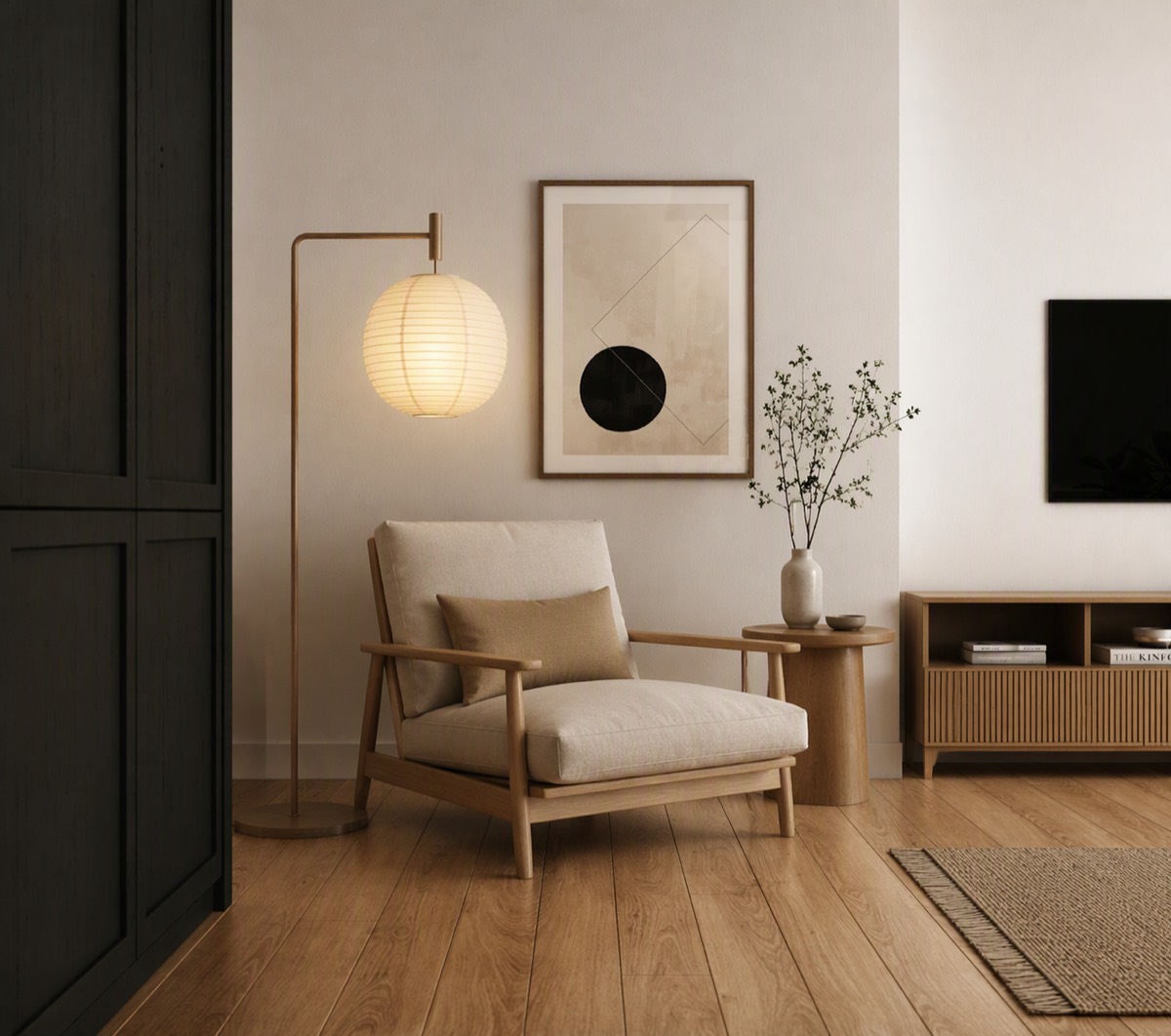
Vizahome design / Warm modern
Aims to preserve walls, windows, and ceiling lines. Review the result.
Or try a sample photo
MAKE YOUR 3 FREE DESIGNS COUNT
The moments where guessing costs money.
Decide first. Buy once. No regrets.
No card. No commitment.
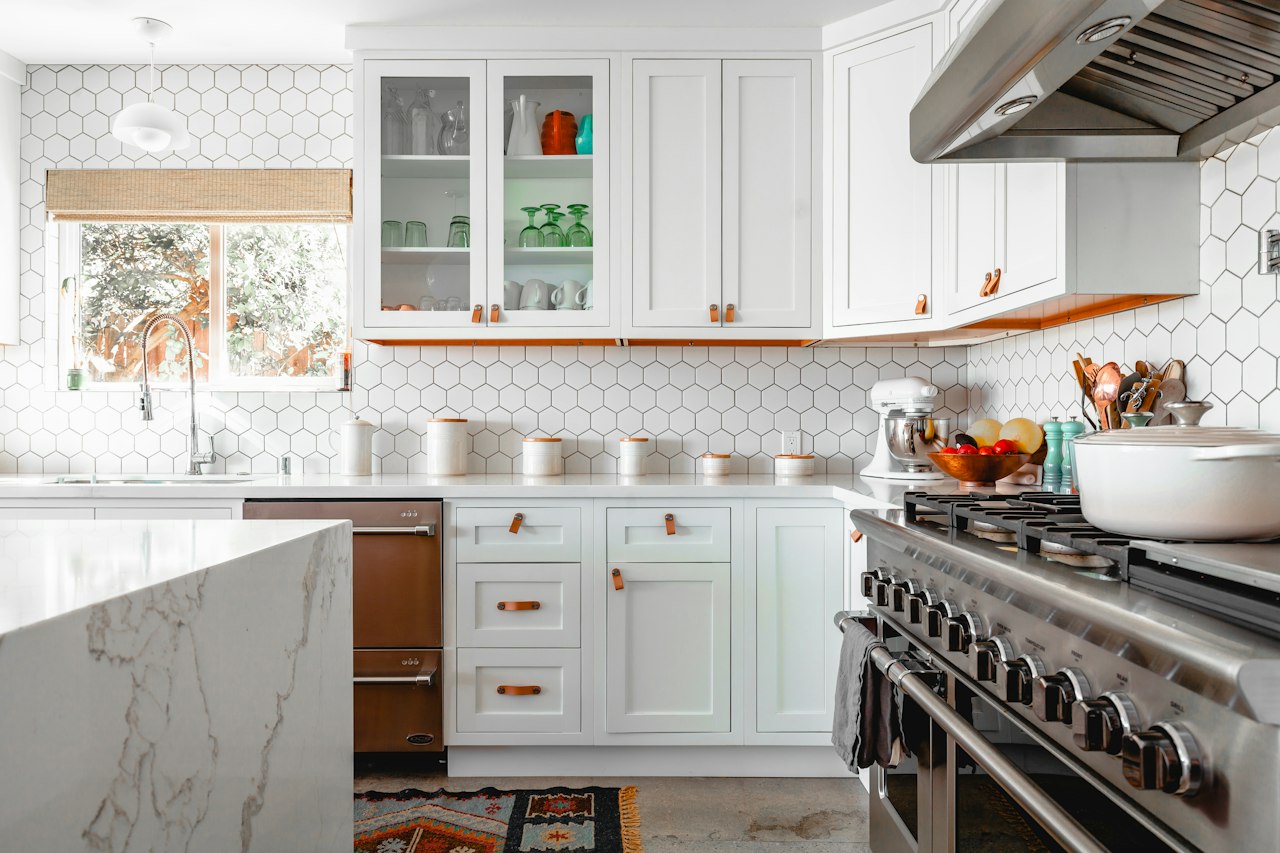
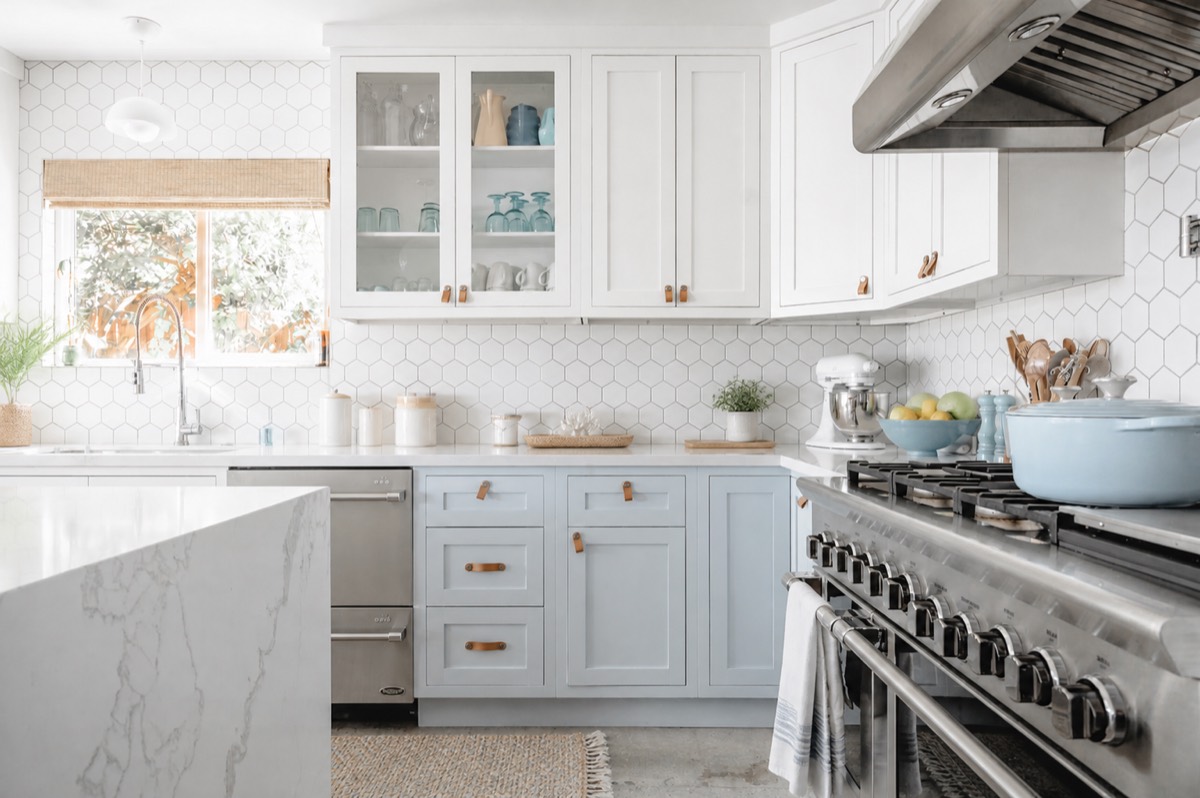
Drag the divide / one room, two decisions
FOR HOMEOWNERS
Each direction aims to preserve your room's structure, windows, and daylight while following your requested changes. Review the generated details.
The decision desk
“I want it cozy, not sterile.”
Light refresh, quick wins
Full restyle, balanced moves
Premium materials, bold choices
“Swap the rug, keep everything else.”Refine it →
3 free designs. No card required.
FOR REAL ESTATE PROFESSIONALS
Upload a room photo. Vizahome furnishes empty or dated rooms with the goal of preserving each wall. Review every result before use.
3 free designs. No card required.
Upload a photo
Choose a staging direction
Review each result
Download listing-ready
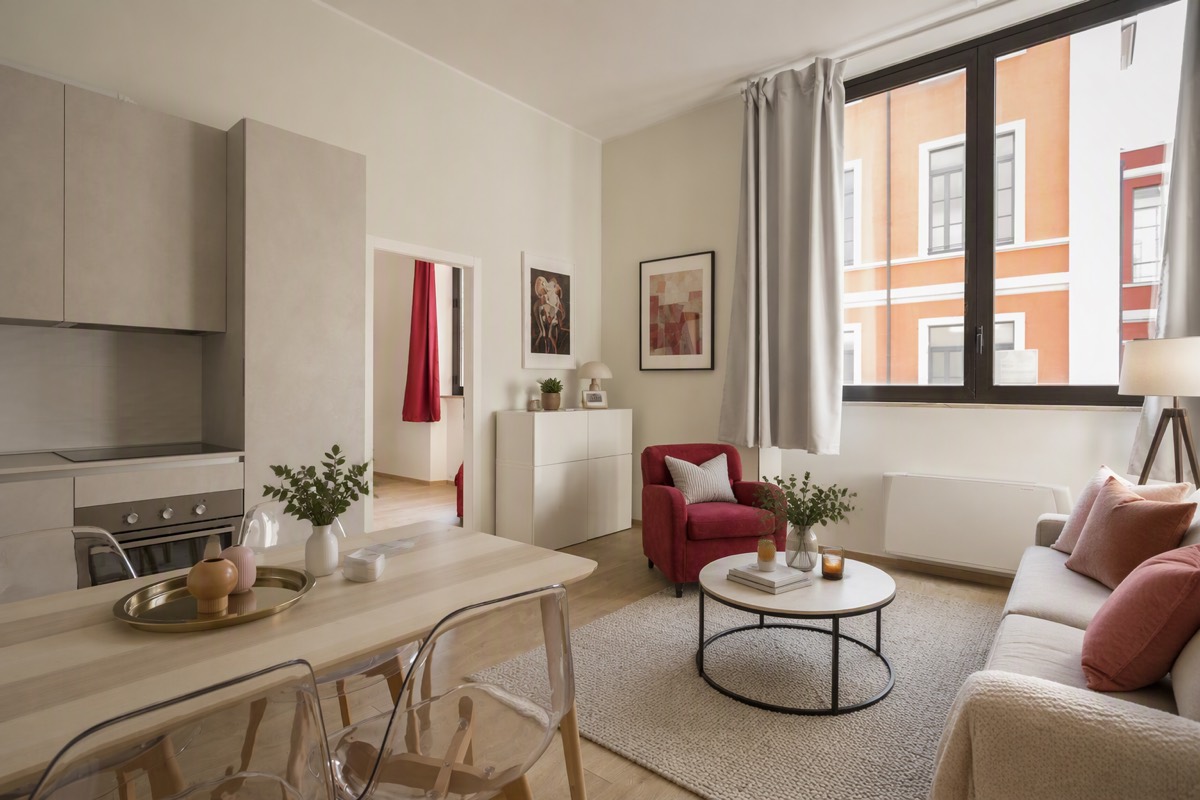
How it works
Upload a photo, say what you want, refine round by round — the AI follows your intent, not a preset filter.
Your real photo, not a blank canvas.
A style, a mood, or one sentence — the AI designs toward your goal.
“Stage this for maximum online appeal — clean, warm, not flashy.”
Every round builds on the last. Change the sofa, keep everything else.
“Swap the wall art and chair to match the bedding.”
Your room and its Vizahome design, side by side. Download when it's right.
YOUR ROOM / VIZAHOME DESIGN
No credit card. No commitment.
AI-generated product examples
Generated before-and-after product demonstrations — hover any card to compare.
AI-generated product example / 01
“Stage this empty living room for a real estate listing: add a warm modern sofa, coffee table, rug, floor lamp and framed art. Photorealistic. Keep walls, windows, doors, ceiling lines and camera angle exactly unchanged.”
AI-generated product example / 02
“Remove all clutter, small objects and personal items from this room. Make it look clean, open and tidy. Photorealistic. Keep walls, windows, doors, ceiling lines and camera angle exactly unchanged.”
AI-generated product example / 03
“Restyle this kitchen with light wood cabinets and soft sage-green walls. Keep the exact layout and appliances. Photorealistic. Keep walls, windows, doors, ceiling lines and camera angle exactly unchanged.”
AI-generated product example / 04
“Refresh this front yard with low-maintenance plants, flowers and a clean stone path. Keep the house unchanged. Photorealistic. Keep walls, windows, doors, ceiling lines and camera angle exactly unchanged.”
AI-generated product example / 05
“Turn this bedroom into a functional home office with a desk, chair, shelving and task lighting. Keep the architecture unchanged. Photorealistic. Keep walls, windows, doors, ceiling lines and camera angle exactly unchanged.”
AI-generated product example / 06
“Give this kitchen a bright coastal feel: white and pale blue palette, natural textures, airy light. Keep the exact layout. Photorealistic. Keep walls, windows, doors, ceiling lines and camera angle exactly unchanged.”
AI-generated product example / 07
“Renovate this bathroom into a refined modern space: clean lines, calm neutral palette, high-end fixtures. Keep the layout. Photorealistic. Keep walls, windows, doors, ceiling lines and camera angle exactly unchanged.”
AI-generated product example / 08
“Redesign this living room in a warm japandi style: low wood furniture, linen textiles, muted earth tones, paper lantern lighting. Keep the layout. Photorealistic. Keep walls, windows, doors, ceiling lines and camera angle exactly unchanged.”
Scroll to explore • Hover to compare before and after
Most people test one real decision first. Upgrade when the workflow becomes part of how you work.
Decision Mode
Execution Mode
Credits reset monthly and do not roll over · Cancel anytime; access continues until the end of the paid term
Notes / Answers
Last doubts, removed fast.
Every design starts from your room photo and uses your instructions to aim for the requested structure and style. Review the result as a visualization, not a measured plan.
The model aims to preserve walls, windows, doors, and ceiling lines while following your requested changes. AI can still alter retained details, so review every result before relying on it.
Each design costs real compute. The watermark keeps the free tier sustainable. Downloads are watermark-free at the same resolution while any paid subscription is active.
Review your results, then choose a monthly plan if you want to continue: $19 for 30 credits, $36 for 200, $59 for 400, or $119 for 900. All four plans include the same features.
Credits reset each month and unused credits do not roll over. Upgrades take effect after payment succeeds and reset your credits; downgrades take effect at the end of the current paid term. Custom product generation uses 2 credits; other generations and refinements use 1 credit each.
You can cancel anytime. Your subscription remains active until the end of the current paid term, then does not renew. If a renewal payment fails, paid access is paused immediately until payment succeeds.
No. Register for 3 free designs. A card is only needed if you choose a paid subscription.
Yes — active paid subscriptions include commercial use for listings, client work, and marketing. Free watermarked outputs are for personal evaluation.
Daylight, a wide angle, and a straight-on view work best. Keep the walls, windows, and furniture you want to change visible in frame.
Your room / Next edition
3 free designs. Same AI as paid. No card required.
Start my 3 free designsBuilt for renovations, listings, and client work — not preset filters.